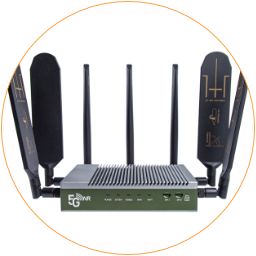
Insert SIM Card
The 5G router uses Nano (4FF) SIM card to connect to mobile internet networks.
Please use Nano-SIM cards (12.3x8.8mm) on the EZR26-5G router.
Please use an activated Nano SIM card in the 5G router. If you are going to use a new SIM card, please follow the instructions from the mobile carrier to activate the SIM card.

Compare SIM Cards
To Insert A SIM Card
Section titled “To Insert A SIM Card ”- Power off the router before inserting a SIM card.
- Orient the Nano SIM card with the gold contacts facing up and the notched corner pointing inward. Then, align with Slot 1, which is the primary SIM slot the router will connect to. You can modify the connect SIMs later in the mobile interface settings.
- Gently push the SIM card with your fingernail until you hear a slight click, confirming proper seating. Note that the SIM only fits in the direction mentioned above.
To Remove a SIM Card – Please turn off the power first and press the inserted SIM card with your fingernail until it clicks and springs out for easy removal.
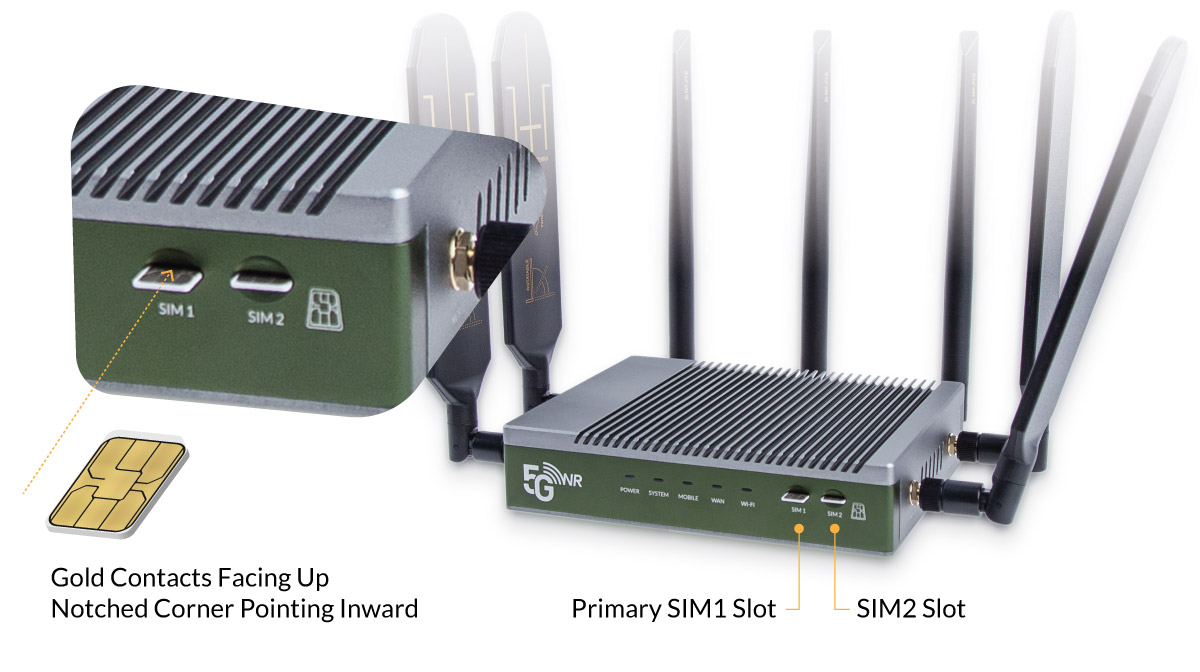
Insert A SIM Card Align With SIM1 Slot